
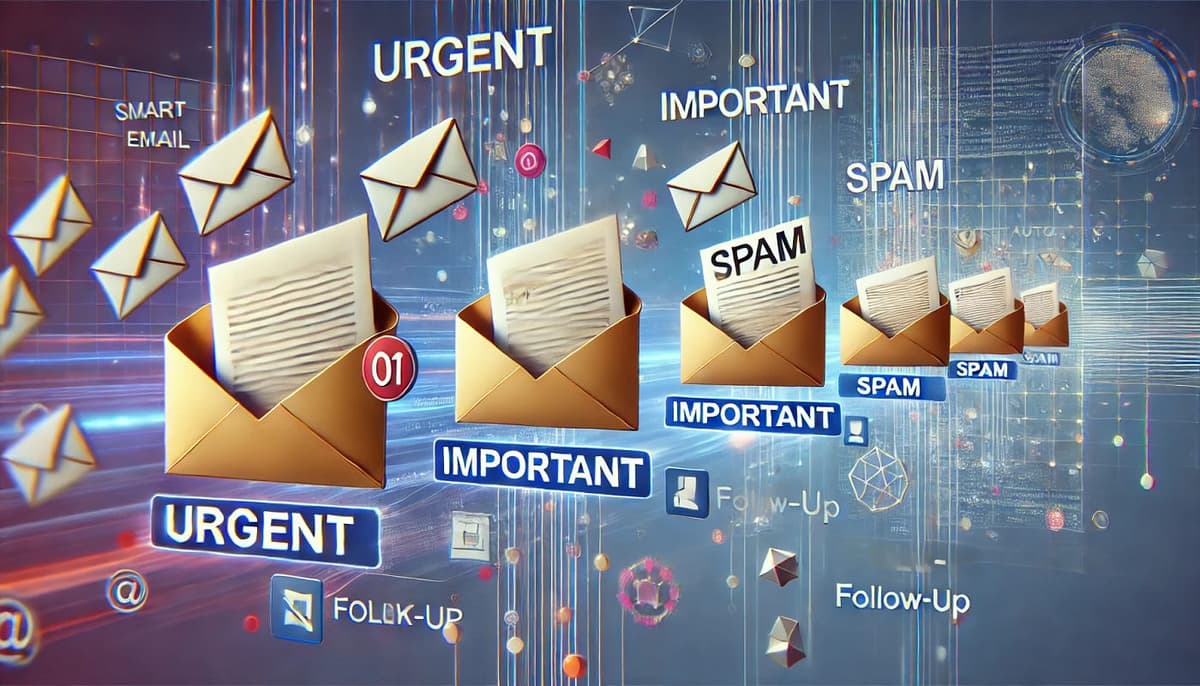
The average business professional spends over two hours a day on email. For business owners, operations managers, and customer service teams, it is often three or four. Much of that time is not high-value communication, it is reading, sorting, forwarding, responding to repetitive questions, and following up on the same threads over and over. AI workflow automation can handle that layer automatically. Your team handles the important conversations. The rest is handled by AI.
The Problem: Email Is Running Your Day
In a typical Houston business, the inbox is one of the most chaotic parts of operations. Sales inquiries, vendor invoices, customer complaints, internal requests, appointment confirmations, status updates, they all land in the same place. Someone has to read each one, figure out what it requires, and either respond or route it. This is not strategic work. It is triage. And without a system, important emails get missed, responses are delayed, and team members spend their productive hours managing a queue instead of doing actual work. The cost is not just time, it is lost opportunities and damaged client relationships from slow response times.
How AI Email Automation Works
AI automation for business email works at several layers, and you can implement all of them or just the ones that match your biggest pain points:
- Intelligent triage, AI reads incoming emails, classifies them by type (sales inquiry, support request, invoice, internal), and routes them to the right person or team automatically.
- Auto-drafted responses, for common email types, AI drafts a response using your company's tone, templates, and specific information. Your team reviews and sends with one click instead of writing from scratch.
- Data extraction, AI pulls relevant information from emails (order numbers, names, amounts, dates) and logs it directly to your CRM, ticketing system, or database.
- Follow-up automation, AI tracks threads that need follow-up and sends reminders or automated follow-up messages on a schedule.
- Notification filtering, AI identifies automated notifications and system alerts, handles or archives them without flooding your team's inbox.
Real Example: A Service Company's Support Inbox
A Houston IT services company was receiving 80–100 support emails per day. A staff member spent the first two hours of every morning reading and categorizing them before assigning tickets. After implementing AI email automation as part of their internal AI tools stack, emails are now read, classified, and pushed into the ticketing system automatically. Urgent issues are escalated immediately. Common questions trigger pre-approved draft responses. The two-hour morning triage is gone. The support coordinator now handles exceptions and manages escalations, higher-value work, same person.
How We Set It Up
We help companies implement AI tools inside their business, including email automation that integrates with Microsoft 365, Google Workspace, or any email platform your company uses. We map your email categories, build the classification and routing logic, set up draft templates, and connect everything to your CRM or ticketing system. The result is an inbox that processes itself, and a team that only handles what actually needs human judgment.