
Complete Guide to RMM Software Implementation
Remote Monitoring and Management (RMM) software is the backbone of modern IT operations. Whether you are an internal IT department or a Managed Service Provider (MSP), implementing the right RMM solution is critical for shifting from reactive "break-fix" support to proactive infrastructure management.
What is RMM Software?
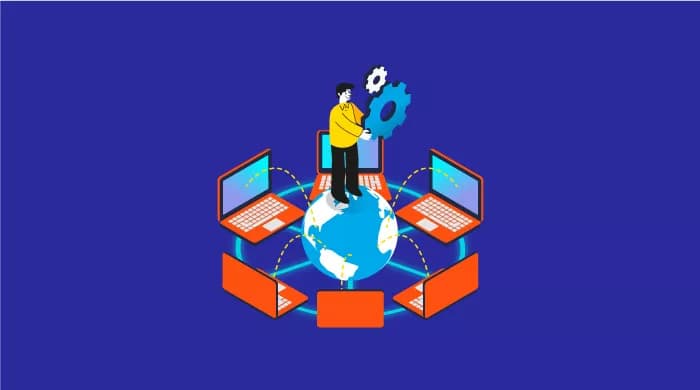
Remote Monitoring and Management (RMM) is a category of software used by IT professionals to maintain IT infrastructure (servers, desktops, mobile devices, and networks) from a centralized location. RMM tools employ "agents" installed on endpoints to gather data, execute commands, and automate maintenance tasks.
In today's distributed workforce, where employees work from home, coffee shops, and offices, RMM provides the visibility needed to ensure security and performance anywhere.
Why RMM Matters Now
According to recent industry surveys, 73% of IT incidents can be detected and resolved via automation before the end-user is even aware of the problem. RMM is the tool that makes this "silent remediation" possible.
Core Features of Effective RMM Solutions
When evaluating RMM platforms, look for these non-negotiable features that drive efficiency:
- Real-Time Monitoring: Continuous tracking of CPU, RAM, disk usage, and network bandwidth. Alerts should be actionable, not just noise.
- Automated Patch Management: The ability to scan for missing OS and third-party updates (Adobe, Chrome, Zoom) and deploy them silently during maintenance windows.
- Remote Access: Integrated tools to take control of a user's screen (with permission) to troubleshoot issues without a site visit.
- Scripting & Automation: A library of pre-built scripts (PowerShell, Bash) to automate routine tasks like disk cleanup, password resets, or software installation.
- Asset Management: Automatic discovery of all devices on the network, providing a live inventory of hardware and software.
Step-by-Step Implementation Strategy
Successful RMM implementation isn't just about installing software; it's about defining processes. Follow this roadmap for a smooth rollout:
Phase 1: Discovery & Audit
Before deploying agents, you need a clear picture of your environment. comprehensive network scan to identify critical assets (servers, firewalls) versus non-critical ones (guest Wi-Fi devices). Group devices by department or location to apply policies correctly later.
Phase 2: Policy Configuration
Don't turn on every alert immediately. "Alert fatigue" is the #1 killer of RMM value.
- Critical Policy: Servers (Offline = P1 Alert, High CPU > 15 mins = P2 Alert).
- Standard Policy: Workstations (Missed Patch > 30 days = Ticket, Disk Space < 10% = Warning).
Phase 3: Pilot Deployment
Select a small group of users (tech-savvy ones are best) for the initial rollout. Test your patching schedules ensuring they don't reboot computers during important meetings.
Phase 4: Full Rollout & Automation
Deploy agents via Group Policy (GPO) or Intune. Once agents are checking in, start enabling "Self-Healing" scripts. For example, if the Print Spooler service stops, the RMM should automatically restart it without human intervention.
Maximizing ROI with Your RMM
To get the most out of your RMM software investment, you must move beyond monitoring to maintenance.
Use the reporting features to show value to leadership. A monthly "Executive Report" showing "1,200 patches installed" and "45 threats blocked" demonstrates the tangible work the IT team is doing behind the scenes.
Conclusion
Implementing RMM software is a transformative step for any IT organization. It shifts the dynamic from "fighting fires" to "preventing sparks." By following a structured implementation plan and focusing on automation, you can significantly reduce IT costs while improving system uptime.
Ready to streamline your IT operations? Explore ourenterprise-grade RMM solutionsor contact our team for a consultation.
Need Help with IT Management?
Hawkeye Core provides world-class RMM tools and ongoing support to keep your business running smoothly. Get a free assessment of your current IT infrastructure today.
Schedule Free Consultation