
Example: HVAC Service Company
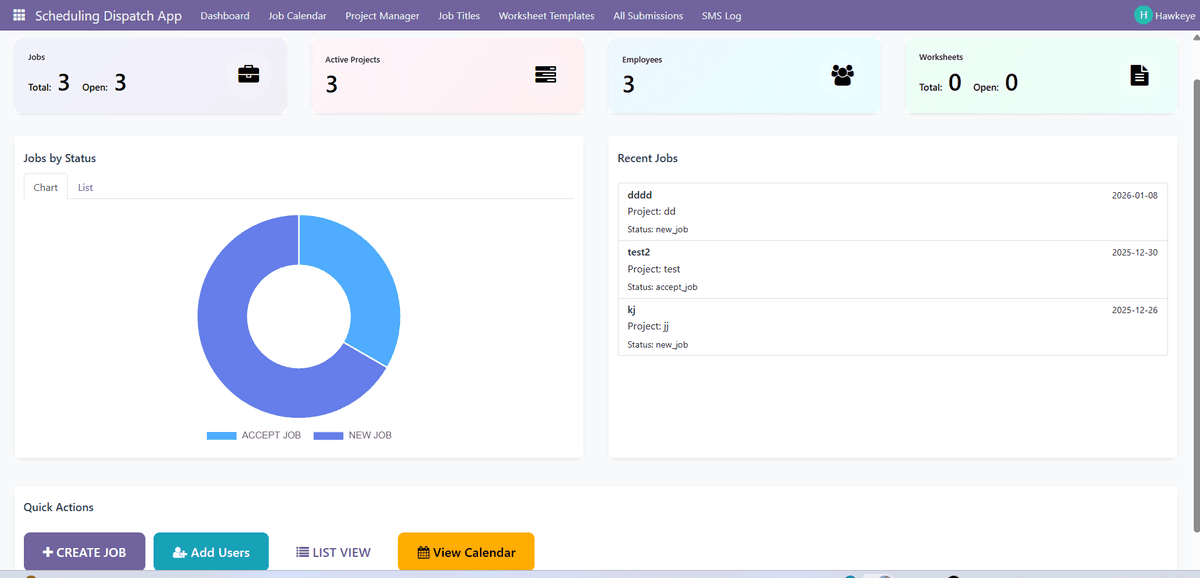
Dispatcher opens the system and creates a new job in 30 seconds
What they do:
- • Enter customer name and address
- • Set priority to "Urgent"
- • Check which technicians are available
- • Assign to John (closest technician with AC certification)
- • Schedule for 2pm today
John gets a text message with job details automatically
New Job Assigned:
AC Repair - Customer: Smith Residence
Address: 123 Main St
Time: Today 2:00 PM
Priority: Urgent
What happens:
- ✓ John logs into system on his phone
- ✓ Reviews job details and customer history
- ✓ Sees location on map
- ✓ Changes job status to "En Route"
John completes repair and fills out digital form on his tablet
What he documents:
- ✓ Takes before/after photos
- ✓ Fills out inspection checklist
- ✓ Notes parts replaced
- ✓ Customer signs digital form
- ✓ Marks job as "Completed"
Manager sees completed job and professional PDF report is generated
What's included:
- ✓ All inspection data
- ✓ Photos attached
- ✓ Customer signature
- ✓ Time stamps
- ✓ Technician notes
Manager emails PDF to customer. Job is archived for records.
Real Impact: Inspection Company
Before Scheduling Dispatch
Scheduling chaos
Whiteboard erasure caused missed appointments
Paper forms lost
Had to redo inspections twice
Manual reporting
3 hours per day typing reports
Phone tag
Constant calls to coordinate
After 3 months with system
Zero missed jobs
SMS alerts keep everyone informed
All data digital
Photos and signatures saved automatically
Reports in seconds
PDF generated automatically
Clear visibility
Manager sees all jobs at a glance
"We went from chaos to organized in 2 weeks. The team adapted quickly because it's simpler than what we were doing before."
, Operations Manager, Inspection Company
What this system does NOT do
Not for enterprises: Built for teams of 5-50 people, not hundreds of crews across multiple regions
No accounting features: This tracks jobs and generates reports, but doesn't handle invoicing or payments (integrates with your existing systems)
No inventory management: Doesn't track parts or equipment stock levels
Requires internet: While mobile works offline temporarily, full sync needs connectivity